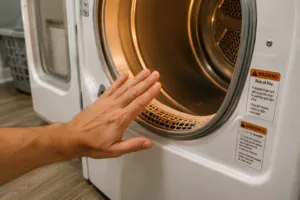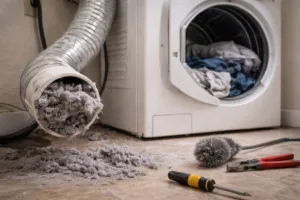
LG d90 is a Flow Sense warning that the dryer has detected a serious exhaust restriction. LG describes d90 as a 90% blockage indication and recommends prompt attention. Start with the lint filter and visible vent connection, then have the full exhaust duct checked if the warning remains.
What d90 Means, and How It Differs From d95
In LG’s d90 and d95 guidance, d90 corresponds to a 90% blockage indication and d95 to 95%. Both concern airflow between the dryer and the outside outlet. The display does not tell you where the restriction is. Our LG d95 guide covers the higher warning and what to check when it returns after cleaning.
Check the Accessible Parts First
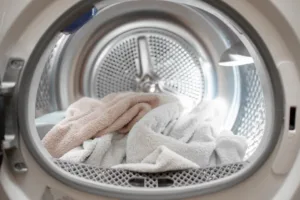
- Stop the dryer and follow your model instructions before cleaning. Remove lint from the filter.
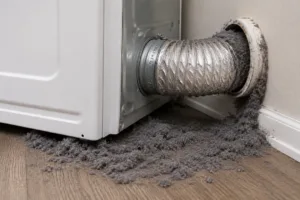
- Look at the connector behind the dryer, if it is safely accessible. A kink, crushed section, loose connection or hole needs attention. Do not pull on a gas connection or reach behind a running appliance.
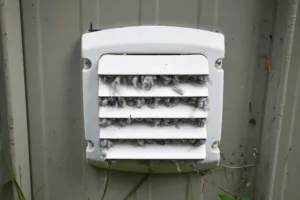
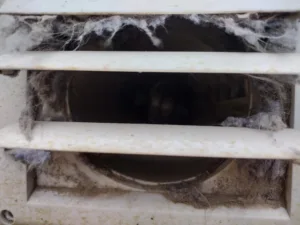
- Look for visible lint at a safely accessible outdoor outlet. Do not climb to a roof or high wall to inspect it.
- If these checks do not identify the problem, arrange a dryer vent inspection rather than repeatedly restarting the dryer.
Why d90 Can Appear With a Clean Lint Filter
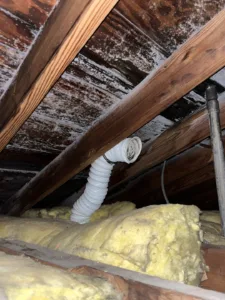
The lint filter and exhaust duct are different parts of the system. Lint can accumulate farther along the duct, and airflow can also be limited by its length, bends or a damaged connector. LG’s checklist includes the duct material, outdoor flap and the layout of the full run.
Choose Service Based on What the Inspection Finds
Vent cleaning can remove lint buildup. A crushed or disconnected section may need repair, while an unsuitable layout may need a separate correction. Dryer Geeks can assess the vent and explain which work is appropriate; cleaning alone does not change duct length or fix damage.
If the Code Remains After Vent Work
Confirm that the connector is not crushed when the dryer is moved back and that the exhaust system has been checked through to the outdoor outlet. If the warning persists after the vent is clear and correctly installed, follow LG’s recommendation to request appliance service for diagnosis. Do not bypass the warning or replace sensors based only on the displayed code.
Pause Laundry if the Dryer Is Overheating
Stop using a dryer that repeatedly shows d90 or becomes unusually hot. A burning smell or smoke needs immediate attention. See our dryer warning signs for more information.
Need Help Checking the Exhaust Vent?
Dryer Geeks inspects and services dryer vents across Long Island and Queens. We can check for lint restrictions, duct damage and routing concerns, then explain the work the vent needs.
Schedule Dryer Vent InspectionLG Dryer d90 Error FAQs
Answers about the warning, a clean lint filter and the next step when d90 returns.